AI3DLogo

AI 3D Logo Maker

Create logo concepts from text or turn an existing logo into a dimensional image

0/1000
Try these examples
Number of images
Loading recent tasks…
2focused logo workflows
1–4native outputs per request
24 MBmaximum upload
Rasterimage output only

2D to 3D Logo Converter — Turn Your Existing Logo Into 3D

Upload a 2D Logo or Icon as a JPEG, PNG, or WebP image and transform it into a polished dimensional design. AI Adds Depth, Bevel & Realistic Lighting while following your original mark, proportions, and visible text. Choose your preferred material, color, background, and composition to create a refined 3D-style raster logo in seconds—without rebuilding the design from scratch.

  • Use one existing 2D logo
  • Preserve the mark and visible text
Flat Logo3D Style
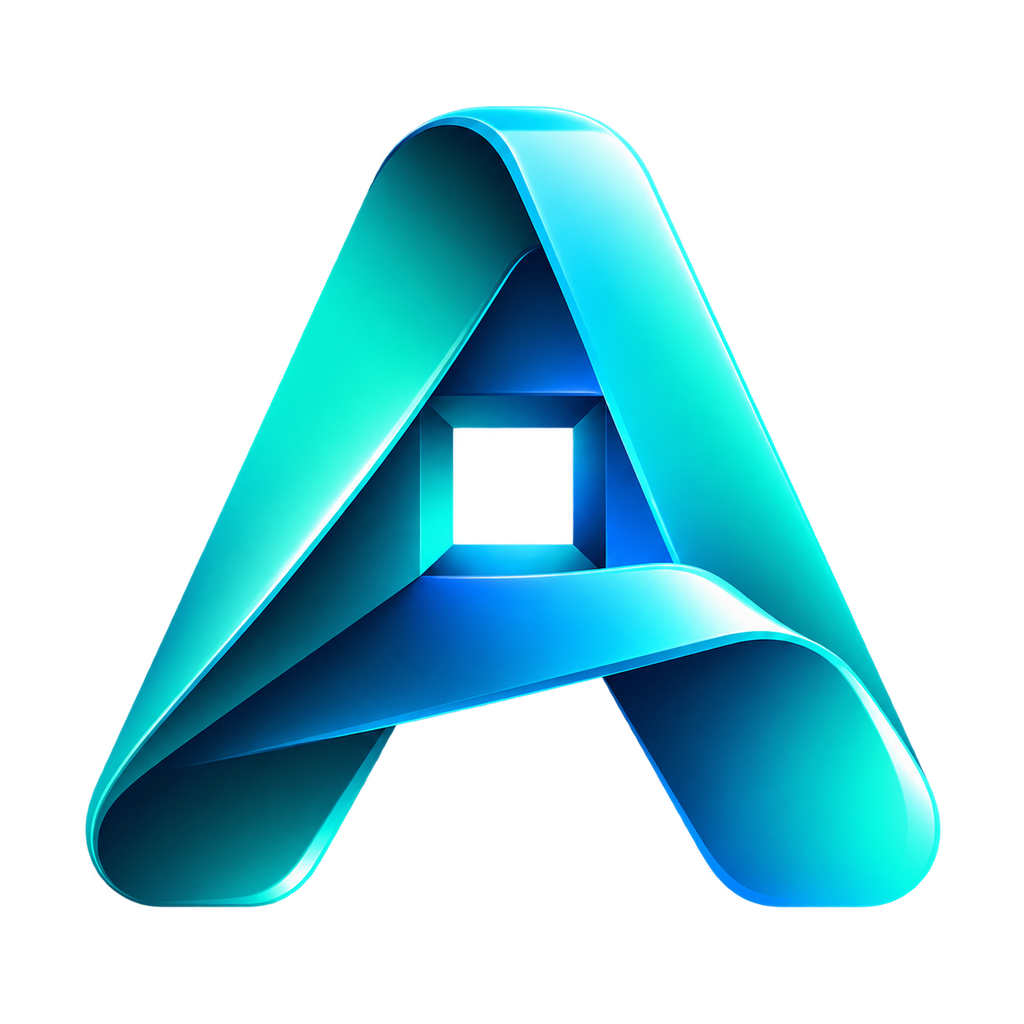
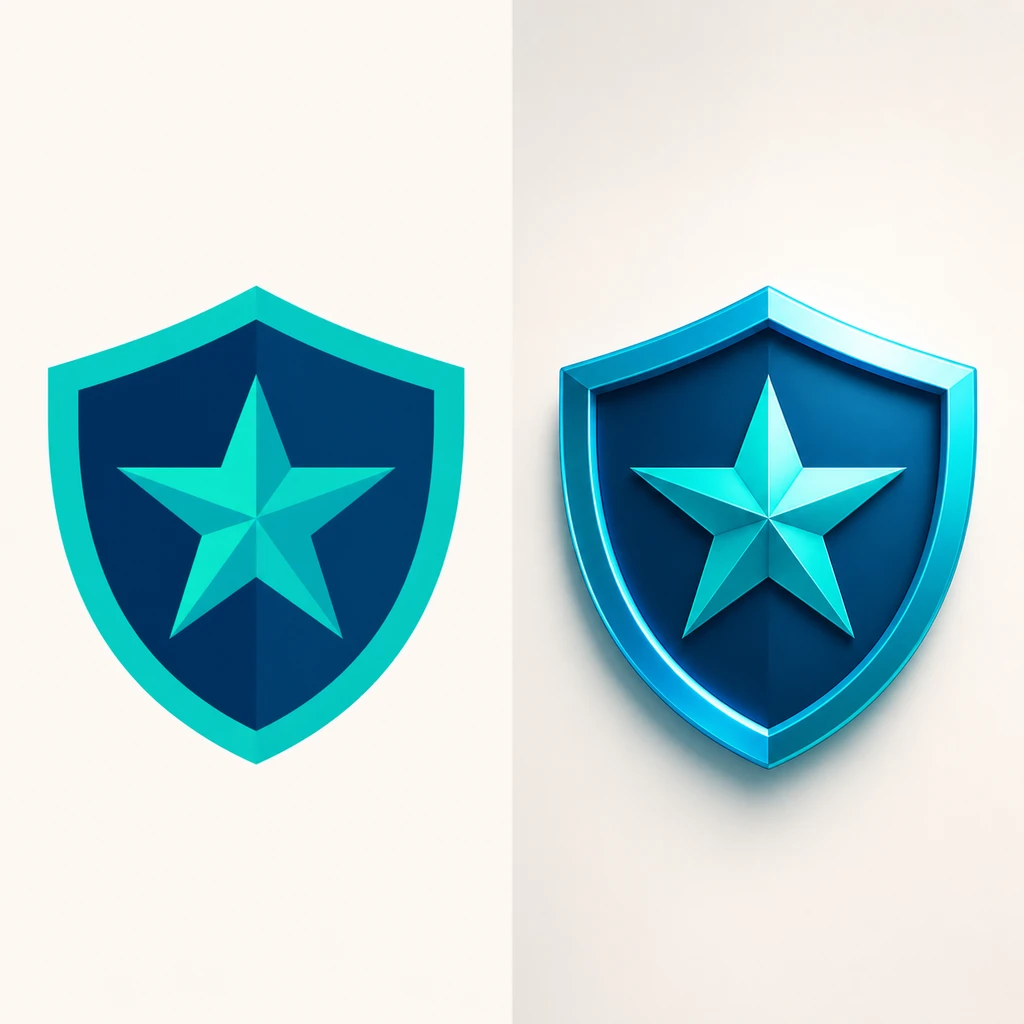
Flat shield mark and dimensional 3D treatment example

Real-World Use Cases for the AI 3D Logo Maker

Use AI3DLogo for early identity exploration, dimensional campaign treatments, launch graphics, and brand concept reviews.

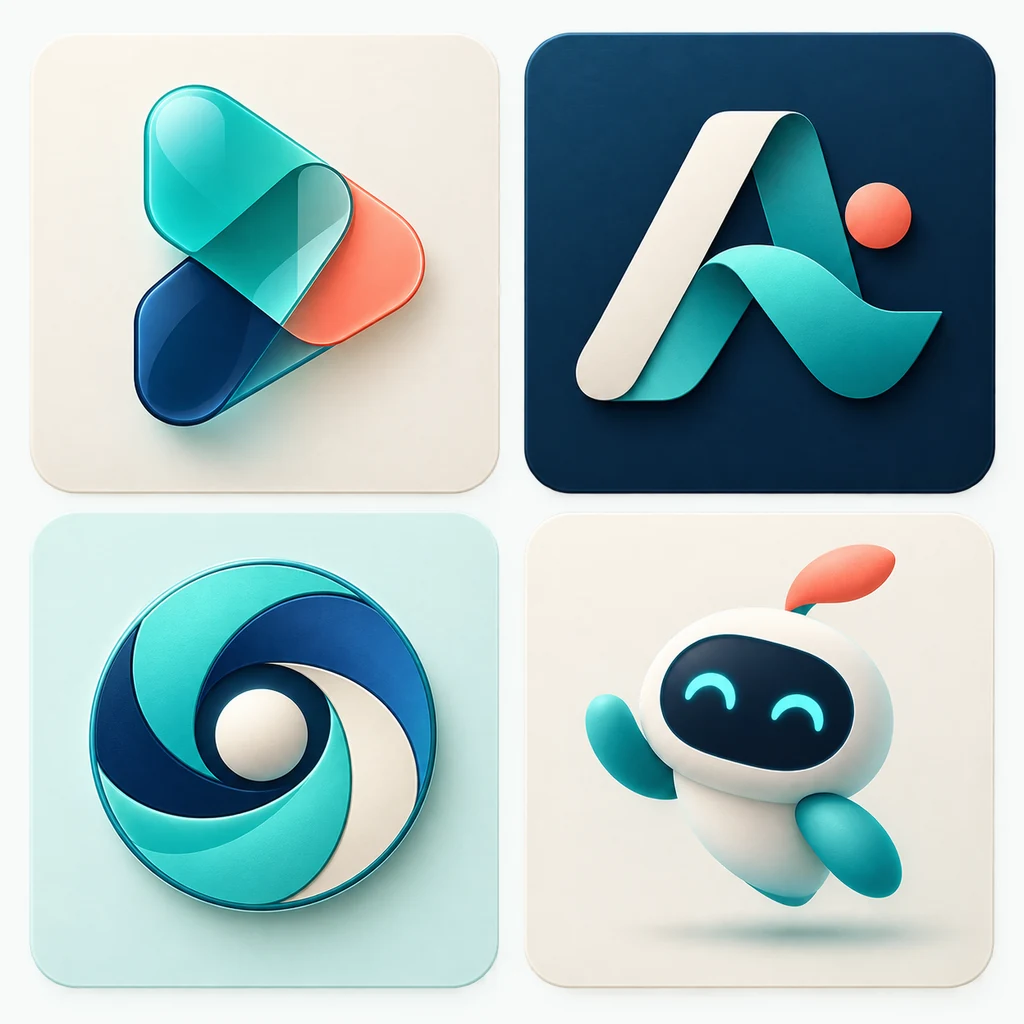
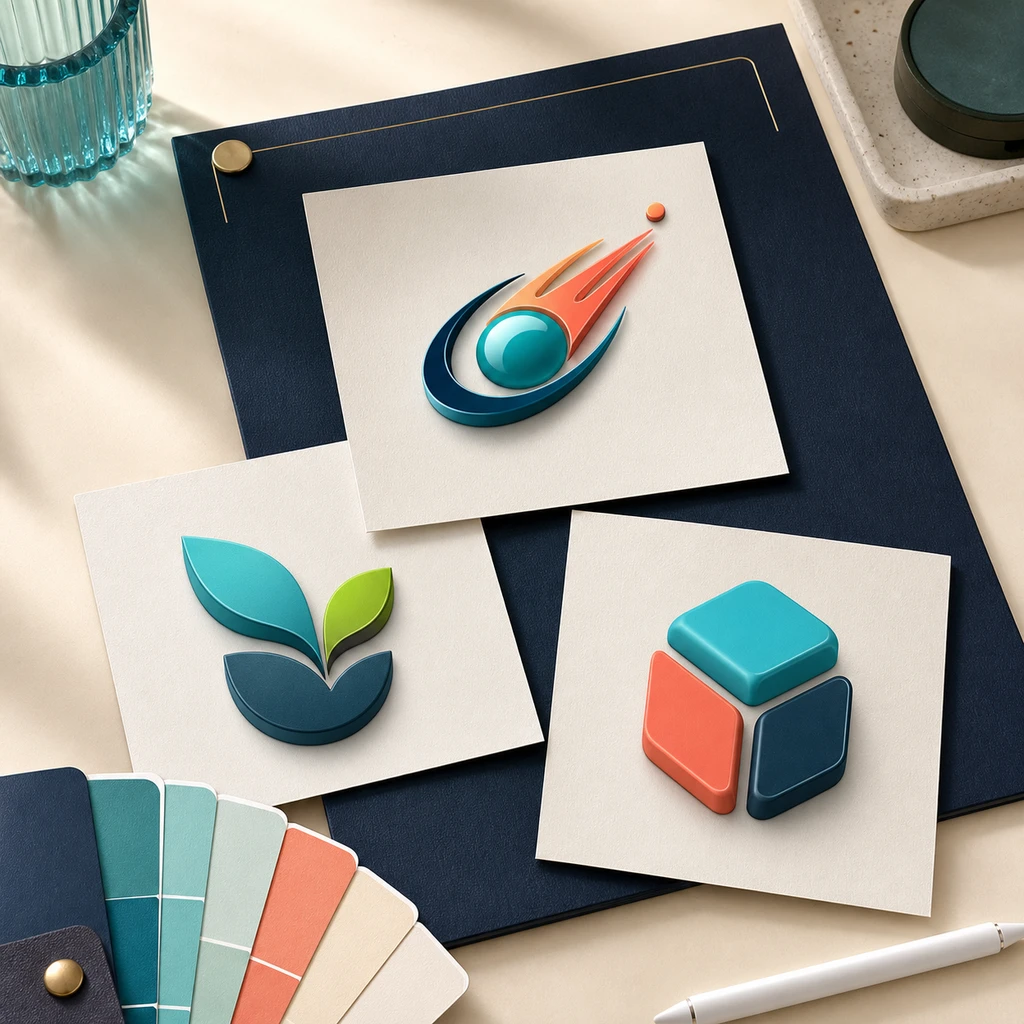
Three distinct startup logo concepts on a branding workspace

Startup Logo Concepts with AI 3D Logo Maker

Founders and small teams can use the AI 3D Logo Maker to turn a brand name, industry, color palette, and short creative brief into several visual identity directions. Compare wordmarks, symbols, emblems, and dimensional raster treatments early, then refine the strongest concept before investing in a complete brand system.
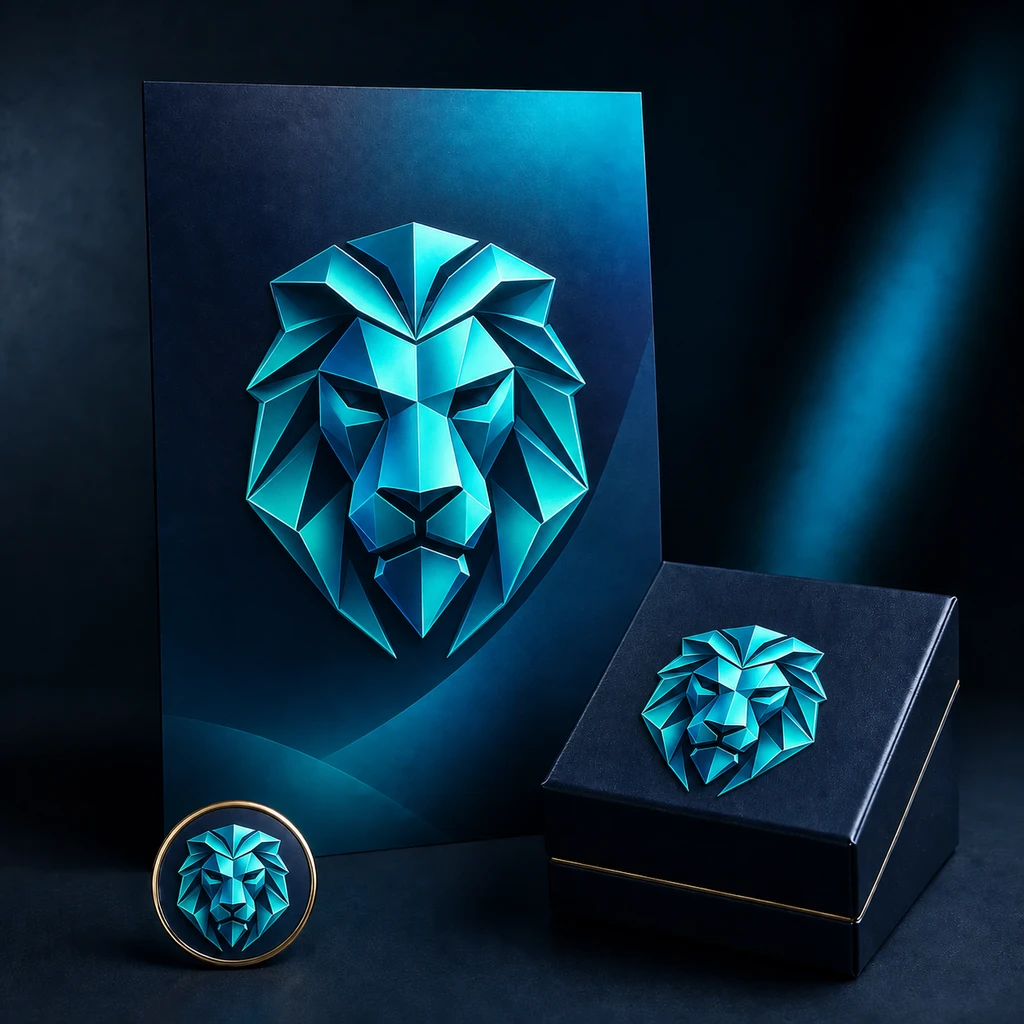
Dimensional geometric lion logo across campaign materials

Dimensional Campaign Marks with AI 3D Logo Generator

Marketing teams can use the AI 3D Logo Generator to restyle one approved flat mark as chrome, glass, gold, neon, clay, or metallic campaign artwork. Create dimensional raster visuals for landing pages, ads, launch decks, event graphics, and mockups while instructing the model to follow the original proportions and visible brand text.

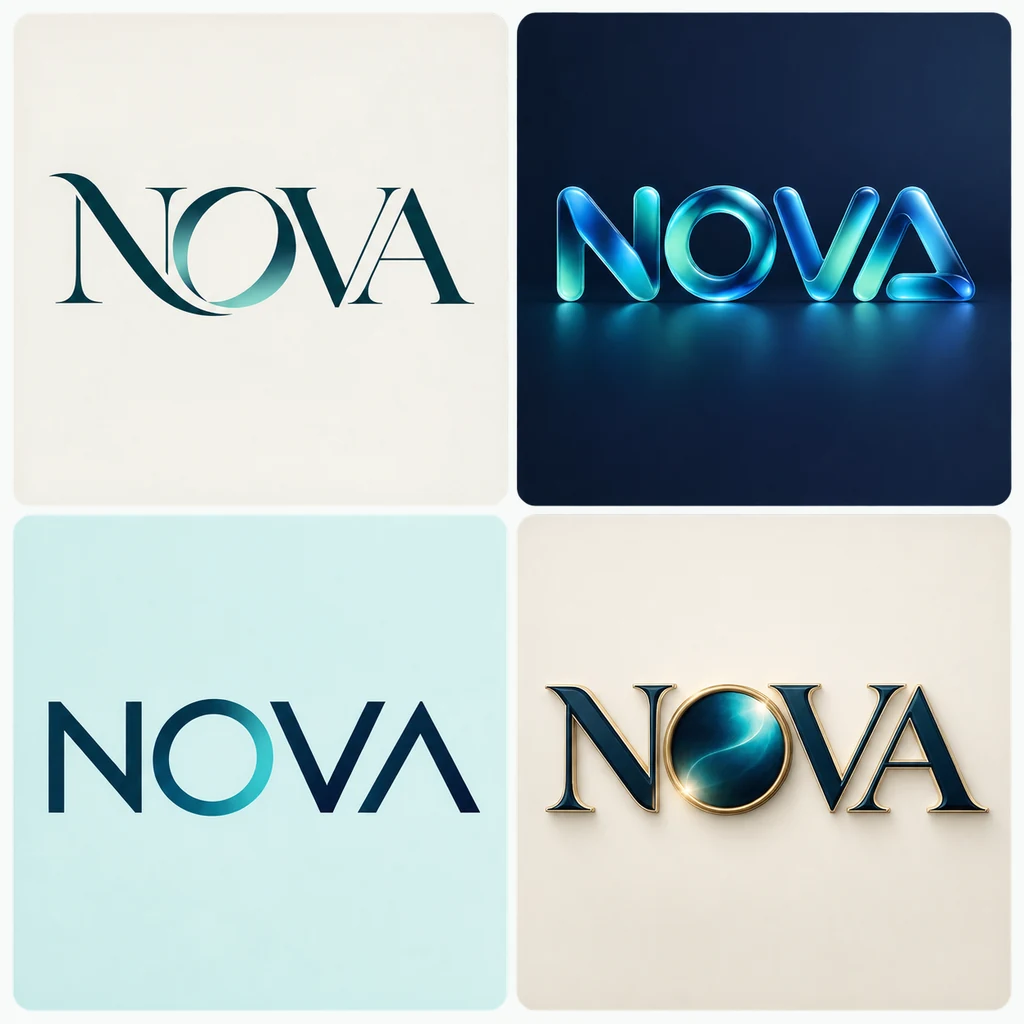
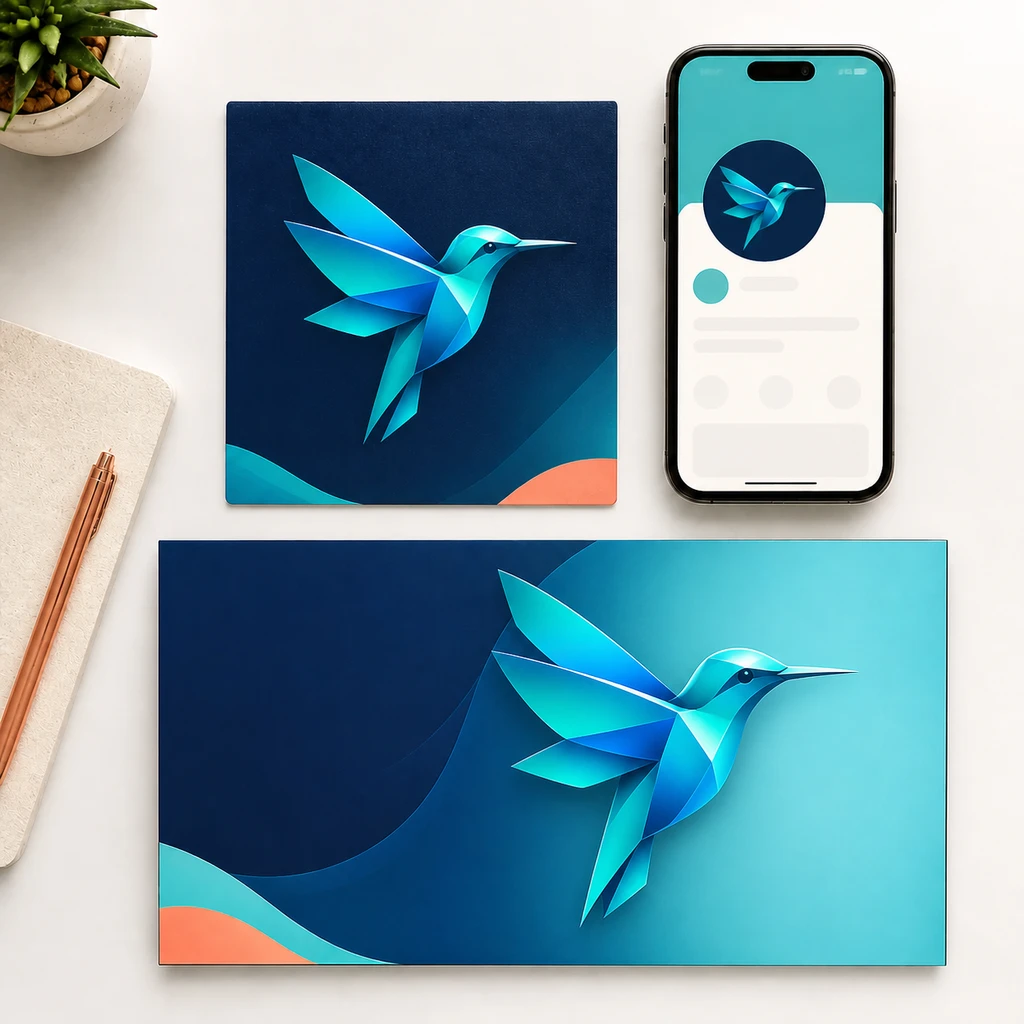
Geometric hummingbird logo across social and launch graphics

Social and Launch Graphics with AI 3D Logo Maker

Creators and startup teams can use the AI 3D Logo Maker to generate square, landscape, or portrait logo images for announcements, social profiles, presentation covers, and launch campaigns. Explore one to four visual options per request, then review spelling, composition, and platform fit before publishing the selected raster result.

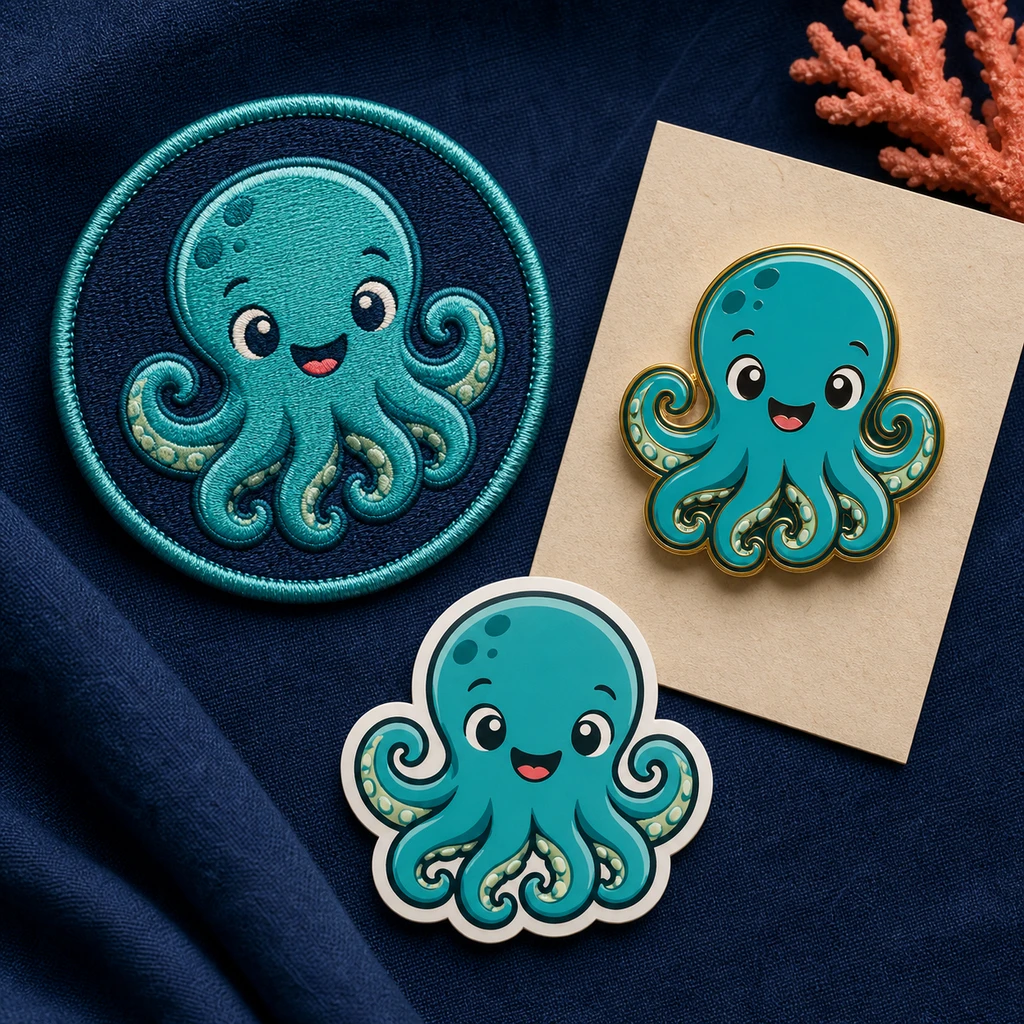
Octopus mascot adapted as a patch, enamel pin, and sticker

Mascots, Emblems, and Badges with AI 3D Logo Generator

Gaming, media, sports, and community brands can use the AI 3D Logo Generator to explore recognizable mascots, icons, emblems, and badge directions from a detailed prompt. Define the character, colors, materials, mood, and composition, compare several raster concepts, and verify any visible wording before using a result in merchandise or campaign mockups.

How to Use AI 3D Logo Generator

  1. 1

    Choose Text to Logo or 2D to 3D

    Start from brand details, or upload one existing 2D logo for a dimensional raster treatment.

  2. 2

    Enter Your Brand Details

    Set the brand name, optional slogan, industry, style, material, color, background, and composition.

  3. 3

    Choose Format and Quantity

    Choose an aspect ratio and request one, two, three, or four images. Credits are charged per image.

  4. 4

    Generate and Download with AI 3D Logo Maker

    Review each raster result from the AI 3D Logo Maker and download the options you want. No GLB, OBJ, or other 3D model file is produced.

Real User Reviews About Our Free AI 3D Logo Maker Online

Feedback from founders, designers, marketers, and creators using our AI 3D Logo Generator and 2D to 3D Logo Converter for brand concepts and dimensional raster artwork.

The AI 3D Logo Maker helped me compare several identity directions before our first investor deck. Starting from a short brand brief made it much easier to discuss color, material, and composition with my team.
Startup founder profile portrait
Startup founderBrand concept exploration
I use the AI 3D Logo Generator to create fast visual directions for early client conversations. Generating one to four options from the same brief gives us concrete concepts to review before I refine the chosen identity.
Freelance designer profile portrait
Freelance designerClient concept development
The 2D to 3D Logo Converter gave our flat shop logo a polished dimensional treatment without rebuilding it from scratch. I could test chrome and glass looks while keeping the original mark visible in the result.
Small business owner profile portrait
Small business ownerExisting logo refresh
Our team uses the AI 3D Logo Maker to explore campaign-ready treatments for landing pages, launch decks, and social posts. The aspect-ratio and output-count controls make it easy to plan several visual options within one workflow.
Marketing manager profile portrait
Marketing managerCampaign creative
The free AI 3D Logo Maker online gives me quick square and landscape concepts for announcements and profile graphics. I can explore a visual direction, review the raster result, and download the strongest option without learning 3D software.
Content creator profile portrait
Content creatorSocial launch graphics
I use the AI 3D Logo Generator to explore mascot, emblem, and badge directions from one detailed prompt. Material and lighting controls are useful for testing how a mark might feel in a game pitch or community campaign.
Game studio artist profile portrait
Game studio artistMascots and badges
Turning our approved 2D emblem into a dimensional logo image gave us a strong visual for presentation covers and event announcements. The workflow stayed focused, and the total credit cost was clear before generation.
Event organizer profile portrait
Event organizerPromotional identity
The 3D Logo Maker lets me test gold, clay, neon, and metallic treatments before choosing a direction for seasonal storefront graphics. It is a practical way to create polished raster concepts without installing design software.
E-commerce founder profile portrait
E-commerce founderStorefront branding
For early brand presentations, the AI 3D Logo Maker gives us visual options quickly enough to keep a workshop moving. We still review spelling, proportions, and rights before publishing, but the concepts make client feedback more specific.
Agency creative profile portrait
Agency creativeBrand presentation mockups

FAQ — AI 3D Logo Maker & 2D to 3D Conversion

Answers about credits, supported files, output quantity, raster-only results, privacy, and commercial use.

Is this AI 3D Logo Maker really free?

Yes. You can try the AI 3D Logo Maker with free credits, and the basic workflow does not require an account. Each image uses the displayed per-image credit price, so requesting two, three, or four images costs two, three, or four times the one-image price.

What image formats are supported?

2D to 3D accepts one JPEG, PNG, or WebP 2D logo up to 24 MB. Text to Logo does not require an uploaded image.

Can I use this for commercial projects?

Yes. You can use generated images for commercial projects, provided you have the necessary rights to your uploads and your use complies with applicable law, our Terms and Acceptable Use Policy, and any underlying model-provider terms. AI outputs may not be unique or free from third-party claims, so review them before publication.

How does the AI 3D Logo Generator work?

Choose Text to Logo to create concepts from your brand name, industry, colors, and creative brief, or select 2D to 3D to restyle one uploaded flat logo. Then choose an aspect ratio and request one to four raster images in a single generation.

Does the AI 3D Logo Generator output GLB or OBJ models?

No. The AI 3D Logo Maker creates raster logo images with a dimensional visual treatment. It does not create GLB, OBJ, or other editable 3D model files.

What can I create with the AI 3D Logo Maker?

You can use the AI 3D Logo Generator to explore text-driven wordmarks, emblems, mascots, icons, and dimensional logo treatments in materials such as chrome, gold, glass, neon, clay, and metallic finishes.

Do I need an account, and will my result have a watermark?

You can try the basic logo workflow without creating an account. Google sign-in may be required for account credits, longer result retention, and My Creations. Finished results are delivered without an AI 3D Logo Maker watermark.

Can the AI 3D Logo Generator guarantee a transparent PNG?

No. The transparent-background option is a prompt-level best effort because the retained provider models do not document guaranteed alpha-channel output. Check the downloaded image before using it in production.

How are my uploaded images and results handled?

Images and prompts are transferred securely and processed by our configured AI providers. Media is stored privately and delivered through short-lived signed URLs. Guest results are retained for up to 24 hours, while signed-in retention depends on the account tier. Review the Privacy Policy before uploading sensitive content.

Explore your next logo direction.

Start from a brand brief or upload one existing logo, then generate one to four raster image options.

Start generating for free